Table of Contents
HuggingFace has a built-in webhook system that fires on model updates, discussions, and pull requests. Connecting it to Echobell / Google Play turns those events into instant phone notifications—useful for catching breaking changes in production dependencies or staying on top of team repository activity.
Step 1: Create Your Echobell Channel
- Download Echobell / Google Play and sign in
- Create a new channel (e.g., "HuggingFace Updates")
- Set your notification templates using HuggingFace's webhook payload variables:
- Title:
🤗 {{repo.name}}: {{event.action}} - Content:
{{event.scope}} was {{event.action}} in {{repo.name}}
- Title:
- Copy the webhook URL from channel settings
See HuggingFace's official webhook documentation for the full list of available payload variables.
Step 2: Configure the HuggingFace Webhook
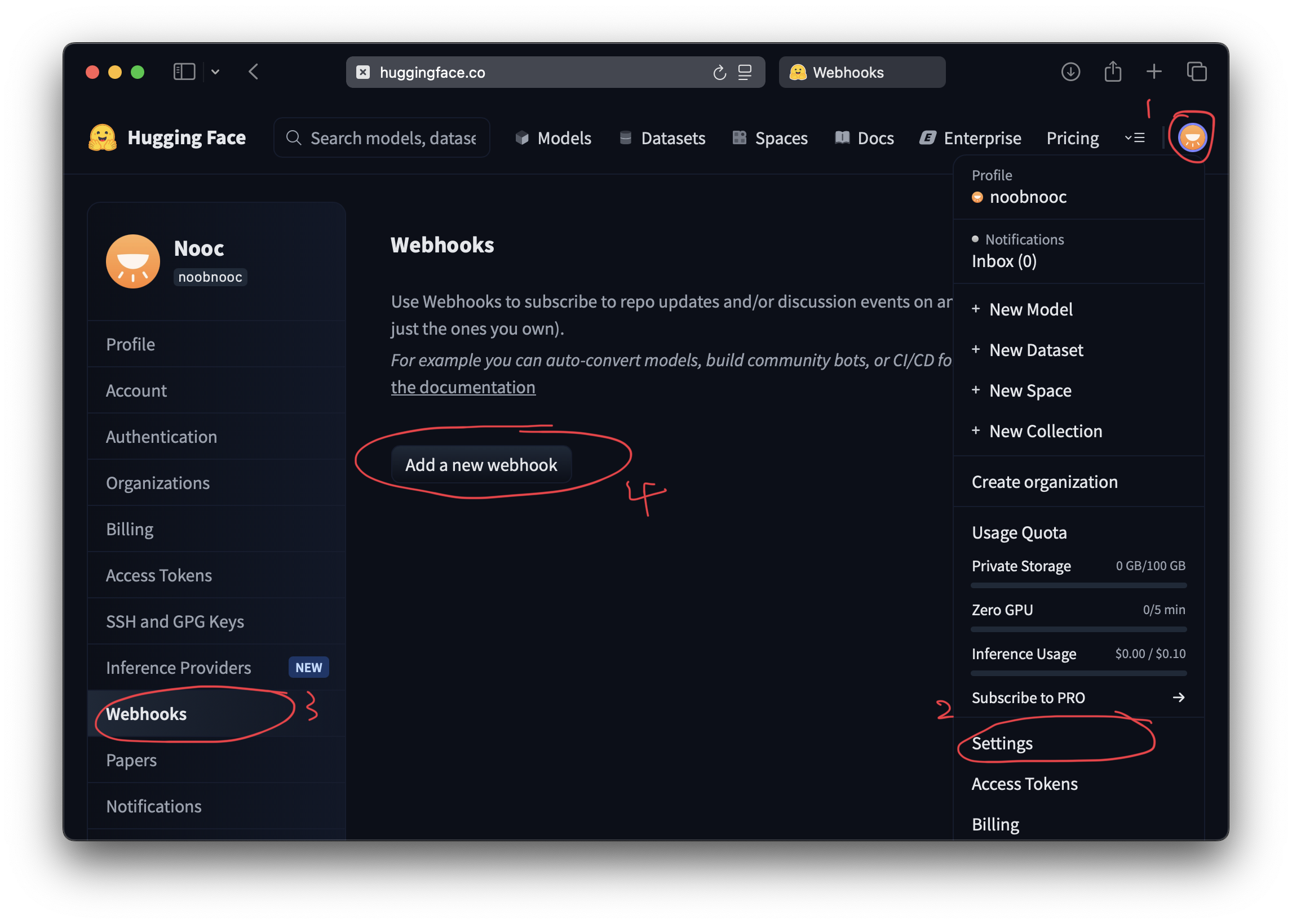
- Log into HuggingFace → profile picture → Settings
- In the sidebar, select Webhooks
- Click Add a new webhook
- In Target repositories, specify what to watch:
- A specific repo:
username/my-model - All repos in an org:
my-company - All personal repos:
your-username
- A specific repo:
- Paste your Echobell webhook URL
- Leave Secret empty
- Select your triggers — recommended starting set:
- ✅ Repo update
- ✅ Discussion created
- ✅ New PR/issues
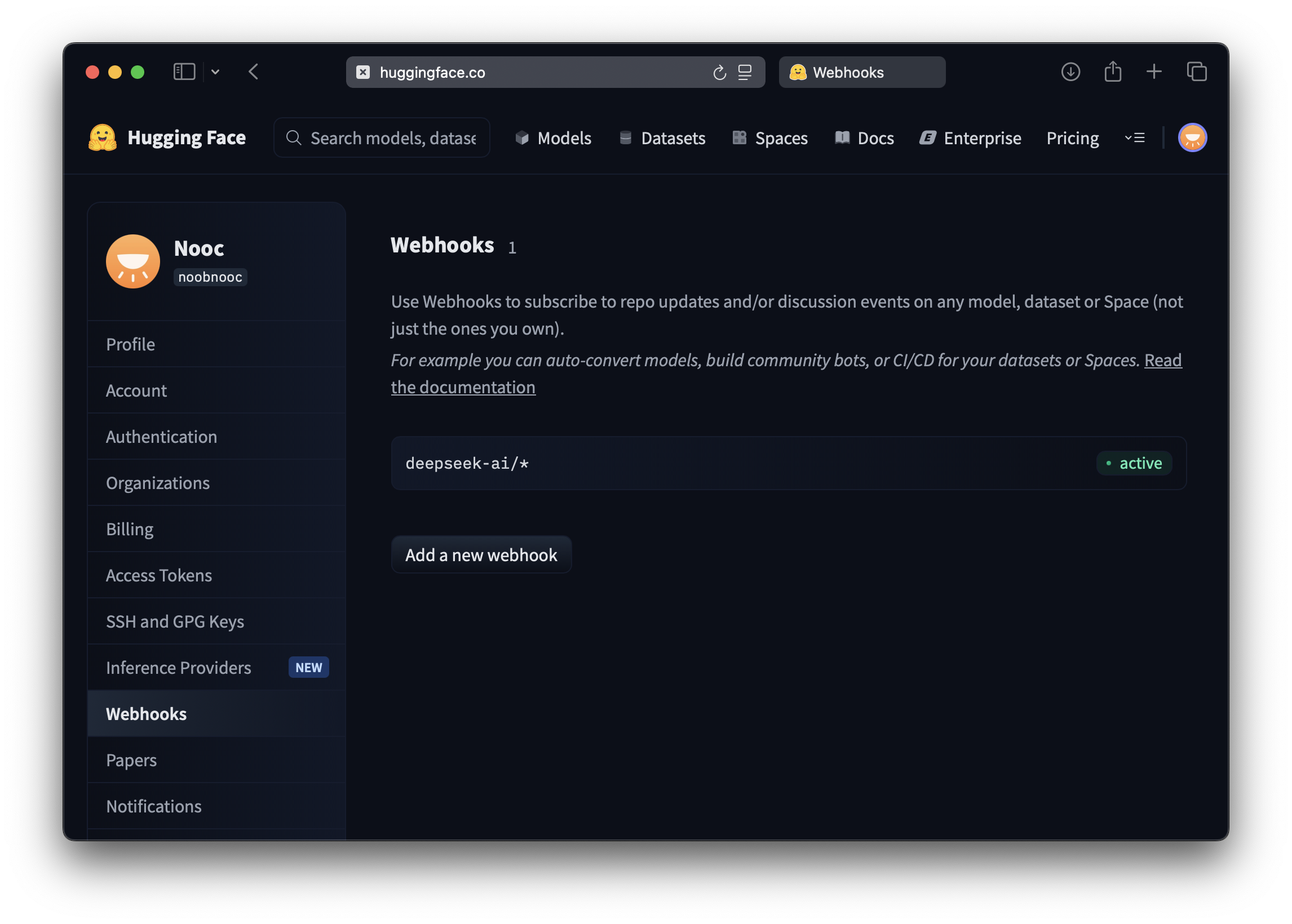
- Click Create webhook
Priority Notifications for Production Models
Not all HuggingFace activity warrants the same urgency. Use separate channels:
- Production-critical repos → channel with notification type set to Time-sensitive or Calling
- General activity → standard push notification channel
For conditional filtering (e.g., only alert on update events for specific repos), use Echobell conditions:
event.action == "update" && repo.name == "my-org/production-model"
Team Notifications
To share alerts with your team without everyone setting up separate webhooks:
- Create a shared channel (e.g., "Team AI Models")
- Copy the Subscription Link from channel settings
- Share the link with teammates — each person subscribes and sets their own notification preferences
Best Practices
- Start narrow: Monitor 2-3 critical repos first. Expand once you know the alert volume.
- Make templates actionable: Include enough context to act without opening HuggingFace.
{{event.description}}often contains useful detail. - Watch for fatigue: If a channel generates more than 10-15 alerts/day, tighten the trigger filters or add conditions.
For webhook configuration reference, see Echobell webhook docs. For related integrations, see GitHub Actions notifications and Grafana alerts.